Launching a new website is more than a facelift; it’s a strategic overhaul that can redefine your digital presence. Yet, many relaunches fail to meet expectations due to poor planning. Common pitfalls like lost SEO rankings, broken user journeys, and technical glitches can turn an exciting milestone into a costly setback. This comprehensive website relaunch checklist is designed to guide you through every critical phase, from initial audit to post-launch optimization, ensuring you avoid these common mistakes and achieve a successful outcome.
This guide provides a structured, step-by-step roadmap to transform a potentially chaotic process into a manageable and predictable one. We'll provide actionable steps, practical examples, and expert insights to ensure your new site not only launches smoothly but also becomes a powerful engine for growth, engagement, and conversion. You will learn how to meticulously plan your architecture, preserve and enhance your SEO authority, and create a user experience that drives results.
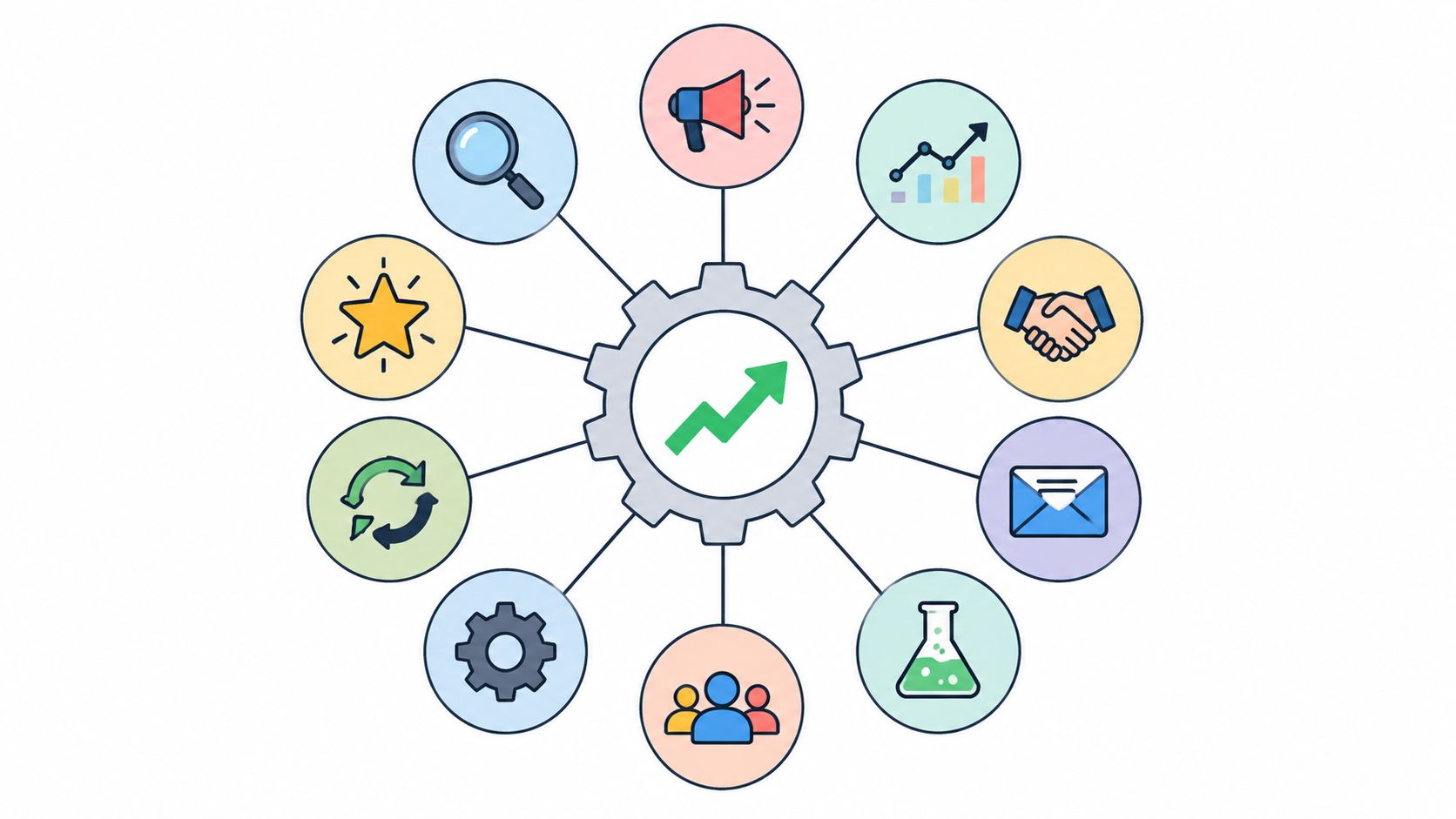
By following this detailed checklist, you'll be equipped to handle everything from stakeholder communication and content migration to rigorous quality assurance testing and post-launch monitoring. We'll cover ten essential stages:
- Pre-Launch Strategy: Auditing your brand, analyzing competitors, and defining your new site's architecture.
- Content & Design: Crafting compelling messaging, optimizing for SEO, and designing an intuitive user interface.
- Technical Execution: Setting up analytics, planning data integrations, and implementing a CRO strategy.
- Launch & Beyond: Establishing a robust testing process, creating a go-live plan, and preparing for continuous improvement.
Whether you're a startup or an established enterprise, this 10-step guide provides the framework needed to navigate complexities and achieve a truly successful relaunch. Let's begin building your roadmap to a flawless launch.
1. Conduct a Comprehensive Brand Audit & Competitive Analysis
Before writing a single line of code or designing a pixel, the foundational first step in any website relaunch checklist is to look both inward and outward. A thorough audit of your current brand positioning, messaging, and visual identity is crucial to understand what's working and what isn't. This internal review provides a critical baseline for improvement.

Simultaneously, analyzing competitor websites reveals market gaps, emerging design trends, and strategic opportunities for differentiation. A fundamental first step in any website relaunch is learning how to conduct competitive analysis to understand your market position. This dual-pronged approach ensures your relaunch is grounded in data, not assumptions, setting a strategic foundation that aligns your new site with both brand goals and the competitive landscape.
Why It's a Critical First Step
Skipping this stage is like building a house without a blueprint. You risk creating a visually appealing site that fails to connect with your audience or stand out from the competition. For example, when Mailchimp rebranded from a simple email tool to a comprehensive marketing platform, its new website was informed by a deep market analysis of competitors. This allowed them to carve out a unique position as a creative-focused platform, a direct result of their initial audit and analysis.
Actionable Implementation Tips
To effectively complete this stage, focus on gathering both quantitative and qualitative data.
- Quantitative Analysis: Use tools like SEMrush, Ahrefs, and SimilarWeb to gather hard data on competitor traffic sources, top keywords, and backlink profiles. This provides an objective view of their digital footprint.
- Qualitative Insights: Conduct 10-15 customer interviews to gather direct feedback on your brand perception versus competitors. Ask questions about their user experience, what they value, and where they see friction.
- Documentation: Document all findings in a comprehensive audit report. This document becomes a single source of truth for all stakeholders, ensuring alignment on project goals and direction.
- Competitive Matrix: Create a visual matrix comparing your features, messaging, pricing, and design against 2-3 key competitors. This clearly visualizes your position and highlights opportunities.
2. Develop Clear Website Architecture & Information Hierarchy
Once you understand your brand and competitive landscape, the next critical task is to design the blueprint for your new digital home. A clear website architecture and information hierarchy provide a logical, intuitive structure that guides visitors toward key conversion goals. This involves mapping out user journeys, defining primary content categories, and establishing clear navigation pathways to ensure critical information is always within reach.
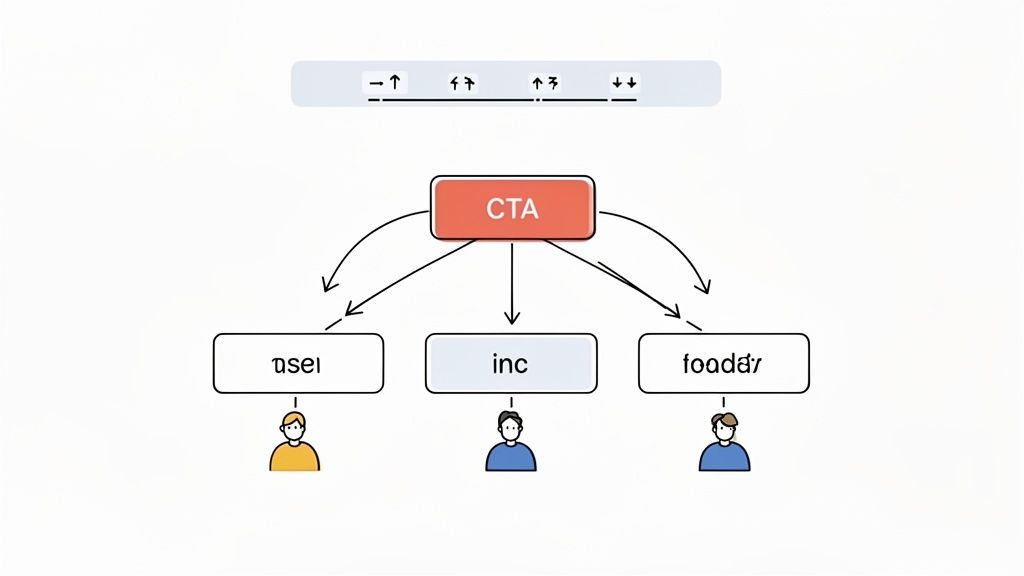
This step translates your strategic goals into a tangible sitemap and user flow. By organizing content around user needs and business objectives, you create an experience that feels effortless for visitors and is optimized for search engines. A well-planned architecture is fundamental to any successful website relaunch checklist, ensuring your site is both user-friendly and scalable for future growth.
Why It's a Critical Step
A disorganized website is like a cluttered store with no signs; customers will get frustrated and leave. Without a logical hierarchy, users can't find what they need, leading to high bounce rates and lost conversions. For example, Salesforce masterfully organizes its vast amount of content by industry vertical and specific use cases. This allows potential customers, from healthcare to finance, to quickly find solutions tailored to their unique challenges, demonstrating the power of a user-centric information architecture.
Actionable Implementation Tips
To build a robust and intuitive site structure, combine user research with strategic planning.
- Conduct Card Sorting: Engage 5-10 target users in a card sorting exercise. Ask them to group topics (your website pages) into categories that make sense to them. This validates your navigation logic from a user’s perspective.
- Simplify Primary Navigation: Limit your main navigation menu to 5-7 top-level categories. This prevents cognitive overload and makes it easier for users to scan their options and find what they need quickly.
- Map Key User Flows: Create visual diagrams (wireframes or flowcharts) that map the ideal path a user would take to complete a key action, such as requesting a demo or purchasing a product. This ensures there are no dead ends or confusing steps.
- Implement Breadcrumbs: For websites with deep content structures, use breadcrumb navigation to show users their current location within the site's hierarchy. This simple tool significantly improves orientation and reduces user frustration.
3. Optimize SEO Strategy & Technical Foundation
A website relaunch without a robust SEO strategy is one of the quickest ways to lose valuable organic traffic and search engine rankings. This critical stage involves planning your SEO approach before the new site goes live, ensuring a seamless transition that preserves, and ideally improves, your search visibility. It covers everything from keyword strategy and on-page optimization to the crucial technical backend that search engines crawl.
A successful relaunch hinges on a proactive SEO plan. This includes auditing your existing site's technical health, mapping out 301 redirects from old URLs to new ones, and ensuring the new design is mobile-responsive and loads quickly. This technical foundation is a non-negotiable part of any modern website relaunch checklist, as it directly impacts both user experience and search engine performance. Neglecting it can erase years of accumulated SEO equity overnight.
Why It's a Critical Pre-Launch Step
Failing to prioritize SEO is like moving to a new address without telling the post office. Your audience and search engines will get lost, leading to a dramatic drop in traffic and conversions. For instance, when Moz relaunched its website, meticulous redirect planning was central to its strategy, allowing the company to maintain 98% of its organic traffic. This foresight prevented a catastrophic loss of visibility and ensured the new site started from a position of strength, not recovery.
Actionable Implementation Tips
To safeguard your search rankings and build a strong technical base, follow these specific steps:
- Comprehensive SEO Audit: Before you begin, understand your current SEO performance. Conducting a thorough website SEO audit with a tool like Screaming Frog SEO Spider will reveal your top-performing pages, existing errors, and backlink profile.
- Create a Redirect Map: Document every URL on your current site and map it to its new corresponding URL in a detailed spreadsheet. This 301 redirect map is your single most important tool for preserving link equity.
- Implement Structured Data: Integrate Schema.org markup into your new site's templates. This helps search engines understand your content better and can result in rich snippets (e.g., ratings, FAQs) in search results, improving click-through rates.
- Monitor Core Web Vitals: Use Google PageSpeed Insights and Search Console to analyze and optimize for Core Web Vitals (LCP, FID, CLS). A fast, stable site is rewarded by both users and search engines.
- Post-Launch Monitoring: Immediately after launch, submit your new sitemap to Google Search Console and Bing Webmaster Tools. Actively monitor the "Coverage" report for crawl errors and fix them promptly.
4. Create Compelling Brand Messaging & Value Proposition
Once you understand the competitive landscape, the next step in your website relaunch checklist is to refine what you say and how you say it. This involves developing clear, differentiated brand messaging that powerfully communicates your unique value. Your goal is to move beyond listing features and start articulating the core problems you solve for your target audience, ensuring every headline, sub-header, and call-to-action reinforces your value proposition.
This foundational messaging work ensures that your new design has a purpose. It provides the substance that will guide the copywriting and visual hierarchy, ensuring that visitors instantly grasp who you are, what you do, and why it matters to them. A strategic approach to messaging turns a simple redesign into a powerful conversion tool.
Why It's a Critical Step
Without clear messaging, even the most beautiful website design will fail. Visitors will arrive and leave confused, unable to connect your offerings with their needs. For example, when Slack first launched, its messaging "Be less busy" was effective, but as the market evolved, they shifted to "Where Work Happens." This change, reflected across their new site, repositioned them from a simple chat tool to an indispensable collaboration hub, speaking directly to a broader enterprise audience.
Actionable Implementation Tips
To develop messaging that resonates, you need to combine internal strategy with external validation.
- Customer Interviews: Conduct interviews with 5-10 of your best customers to understand the exact language they use to describe your value. Ask them what problem you solve for them and why they chose you over a competitor.
- Messaging Frameworks: Develop distinct messaging frameworks for each primary audience segment. Document the key pain points, your proposed solution, the core value proposition, and supporting proof points for each group.
- Benefit-Focused Headlines: Audit every key page (homepage, services, about us) and rewrite headlines to focus on customer benefits, not your features. For example, change "Our Advanced AI Algorithm" to "Make Smarter Decisions, Faster."
- A/B Test Key Copy: Before fully committing, use tools like Optimizely or user surveys to test variations of your main value proposition and key headlines. This data-driven approach removes guesswork.
5. Design User Experience (UX) & User Interface (UI)
With the strategic foundation set, the next critical phase in your website relaunch checklist is translating your brand and user goals into a tangible, intuitive, and visually appealing design. This involves crafting a User Experience (UX) that makes navigating your site effortless and a User Interface (UI) that is both beautiful and functional. This stage moves from abstract strategy to concrete wireframes, mockups, and prototypes that define the user's journey.
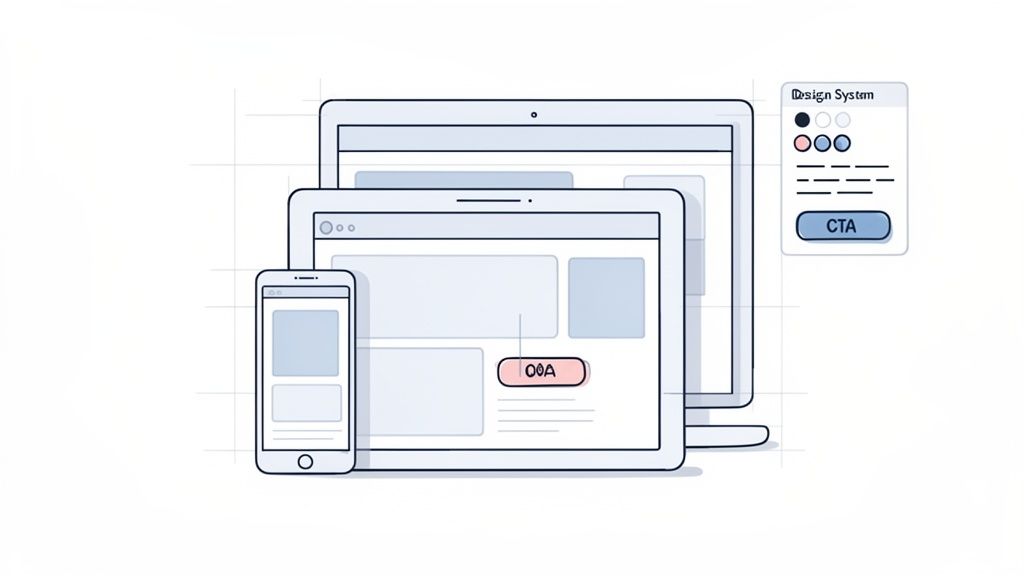
The goal is to create a seamless experience that guides visitors toward conversion points without friction. A strong UX/UI design is not just about aesthetics; it's about solving user problems efficiently and building trust through a professional and coherent digital presence. This step ensures the final product is not only good-looking but also highly effective.
Why It's a Critical Design Step
Neglecting UX/UI is a surefire way to increase bounce rates and abandon conversions. A beautiful site that is difficult to use will frustrate visitors, while an easy-to-use but visually dated site can undermine your brand's credibility. For example, Airbnb’s redesign heavily focused on trust-building visual elements, clear calls-to-action, and a simplified booking flow. This user-centric approach directly contributed to their growth by making a complex process feel simple and safe for users.
Actionable Implementation Tips
To execute this phase effectively, combine strategic design principles with direct user feedback.
- Usability Testing: Conduct usability tests with 5-8 representative users for each major user flow (e.g., checkout, contact form submission). Observe their behavior to identify and eliminate points of friction before development begins.
- Behavioral Analysis: Use heat mapping tools like Hotjar or Microsoft Clarity on your existing site to understand where users click, scroll, and get stuck. This data provides invaluable insights for improving layouts and element placement.
- Create a Design System: Develop a comprehensive design system with consistent spacing, typography, colors, and component styles. This ensures brand consistency across all pages and streamlines future development efforts.
- Prioritize Accessibility: Test the design with screen readers and keyboard-only navigation to ensure compliance with WCAG standards. Accessible design widens your audience and is a crucial part of modern web development.
6. Develop High-Quality Content & Sales Collateral
A visually stunning design and flawless code are only part of the equation; the content is what truly engages, educates, and converts your audience. Developing high-quality content and sales collateral is a core pillar of any successful website relaunch checklist, ensuring your new site has the substance to support its style. This involves creating audience-focused materials like service pages, case studies, blog posts, and whitepapers that build authority and drive organic visibility.
This process transforms your website from a digital brochure into a dynamic resource and lead-generation engine. By strategically crafting content that addresses user pain points at every stage of their journey, you establish trust and guide visitors toward a purchasing decision. This content-first approach ensures your relaunch is built around value, not just aesthetics.
Why It's a Critical Step
Launching a new site with thin, outdated, or poorly optimized content is like opening a beautiful new store with empty shelves. It fails to give visitors a reason to stay, explore, or return. For example, HubSpot’s massive content hub, featuring over 7,000 articles, is a testament to this principle. Their site isn’t just a product platform; it’s a premier educational resource that attracts millions of organic visitors, directly fueling their sales funnel. Neglecting content development means you miss the single biggest opportunity to attract and convert your target audience.
Actionable Implementation Tips
To build a powerful content engine for your new website, focus on a strategic and data-informed creation process.
- Map Content to the Buyer's Journey: Create distinct content for each stage: blog posts and infographics for awareness, detailed guides and case studies for consideration, and product demos or free trials for the decision stage.
- Leverage Data and Social Proof: Strengthen your arguments and build credibility by incorporating statistics, research findings, and customer testimonials directly into your service pages and case studies.
- Optimize Case Studies for Impact: Don't just tell a story; prove your value. Structure case studies around a clear problem, the solution you provided, and the specific, quantifiable results you achieved (e.g., "Increased lead generation by 300% in 6 months").
- Create Downloadable Lead Magnets: Develop valuable, gated resources like whitepapers, ebooks, or checklists to capture visitor information and nurture leads through your marketing automation system.
7. Implement Conversion Rate Optimization (CRO) Strategy
A successful website relaunch isn't just about a new look; it's about building a machine that drives results. This is where Conversion Rate Optimization (CRO) comes in. CRO is the systematic process of increasing the percentage of website visitors who take a desired action, be it filling out a form, making a purchase, or signing up for a newsletter. It involves understanding how users navigate your site, what actions they take, and what's stopping them from converting.
Embedding CRO principles into your relaunch from the outset ensures that every design and content decision is geared toward performance. Instead of guessing what will work, you use data-driven testing to identify friction points and make improvements that guide visitors toward your goals. For a deeper understanding of maximizing your site's performance, explore these essential conversion rate optimization strategies.
Why It's a Critical Relaunch Component
Launching a new site without a CRO strategy is a massive missed opportunity. You might have a beautiful design that actually hurts your conversion rates. For example, Dropbox famously increased sign-ups by 60% by simplifying its homepage and implementing a referral program, a classic CRO tactic. By building a framework for continuous testing into your new site, you turn it from a static brochure into a dynamic tool that constantly improves its ROI. This is a core part of any modern website relaunch checklist.
Actionable Implementation Tips
Integrate CRO into your relaunch plan with these specific, data-backed actions. You can learn more about how to increase website conversions with a structured approach.
- Analyze Heatmaps: Use tools like Hotjar or Crazy Egg on high-traffic pages to see where users click, scroll, and hesitate. This visual data uncovers obvious friction points that analytics alone can't show.
- Test One Element at a Time: To get clean data, isolate your tests. Change only the headline, the call-to-action (CTA) button color, or the form length in a single A/B test. This shows you exactly what moved the needle.
- Optimize Key Pages First: Focus your initial efforts on pages with the highest impact on your business goals, like your homepage, pricing page, and key landing pages. Small improvements here yield the biggest returns.
- Create a Testing Calendar: Plan a consistent cadence of tests to maintain momentum. A simple spreadsheet outlining the test hypothesis, element, duration, and results keeps the team aligned and focused on continuous improvement.
8. Plan & Execute Data Integration & Analytics Setup
A visually stunning and fast website is only half the battle; without a robust analytics framework, you're flying blind. This step involves meticulously planning and implementing your entire data infrastructure before the relaunch. This ensures that from day one, you are capturing the essential data needed to measure performance, understand user behavior, and prove the ROI of your investment.
The goal is to move beyond basic page-view tracking and establish a connected data ecosystem. This involves setting up platforms like Google Analytics 4 (GA4), integrating with your CRM like HubSpot or Salesforce, and implementing event-based tracking for key user interactions. This comprehensive setup is a non-negotiable part of any modern website relaunch checklist, transforming your new site into a powerful tool for data-driven decision-making.
Why It's a Critical Pre-Launch Step
Launching without analytics in place is like opening a store with the cash register turned off. You lose all historical data from the moment of launch, making it impossible to establish an accurate performance baseline. For example, a B2B company relaunching its site needs to track demo request form submissions in both their analytics platform and CRM. Without this integration, they cannot connect marketing efforts to sales pipeline, rendering ROI calculation impossible and hindering post-launch optimization.
Actionable Implementation Tips
To ensure a seamless and comprehensive analytics setup, follow these technical and strategic steps.
- Establish a Tracking Plan: Before implementation, create a document that maps out every key user action (e.g., button clicks, video plays, form submissions) you want to track as an event in GA4. This serves as a blueprint for your developers.
- Implement Consent Management: Ensure your analytics setup is compliant with privacy regulations like GDPR and CCPA by integrating a consent management platform (CMP) to handle user cookie preferences.
- Standardize UTM Parameters: Create and enforce a company-wide convention for using UTM parameters on all marketing campaigns. This ensures clean, reliable campaign attribution data.
- Build Stakeholder Dashboards: Use a tool like Looker Studio to create custom dashboards tailored to different teams (e.g., a traffic and engagement dashboard for marketing, a lead-to-conversion dashboard for sales).
- Set Up Anomaly Alerts: Configure automated alerts in your analytics platform to notify you of significant traffic drops, conversion rate spikes, or other unusual activity immediately after launch.
9. Establish Quality Assurance, Testing & Tools
A successful launch is an invisible launch; users shouldn't notice the technical effort behind the scenes. Establishing a comprehensive quality assurance (QA) and testing protocol is the non-negotiable step that ensures a seamless transition. This process involves systematically identifying and resolving bugs, compatibility issues, and performance bottlenecks before your audience ever sees the new site.
This critical phase moves beyond simple proofreading and involves rigorous testing across multiple dimensions. Functional testing ensures every link, form, and feature works as intended, while cross-browser and mobile testing validates a consistent user experience on every device. This structured approach transforms a potentially chaotic launch into a controlled, predictable event.
Why It's a Critical Pre-Launch Step
Skipping or rushing QA is a direct path to a damaged brand reputation and lost revenue. A site that is slow, broken on mobile, or has a non-functioning checkout process will immediately drive customers away. For example, Facebook's extensive QA process reportedly tests new features across more than 50 device and browser combinations to prevent a poor user experience for its global audience. This commitment to quality is a cornerstone of a successful website relaunch checklist, preventing day-one disasters.
Actionable Implementation Tips
To build a robust QA framework, focus on structured processes and the right tools.
- Create a Test Matrix: Document all scenarios you need to test. Create a comprehensive matrix covering the top 5 browsers (Chrome, Safari, Firefox, Edge), 3 major operating systems (Windows, macOS, Android, iOS), and a range of device screen sizes.
- Automate Repetitive Tests: Use tools like Selenium or Cypress to automate repetitive but critical user journeys, such as user registration or the checkout process. This frees up manual testers to focus on more complex, exploratory testing.
- Use Cross-Browser Testing Services: Leverage platforms like BrowserStack or LambdaTest to efficiently test your site on hundreds of real browser and device combinations without needing a physical device lab.
- Conduct Load Testing: Use tools like JMeter or LoadRunner to simulate high traffic volumes. This helps identify server capacity limits and performance bottlenecks before a real traffic spike crashes your site.
- Perform an Accessibility Audit: Ensure your site is usable by everyone, including people with disabilities. Use tools like axe DevTools or WAVE to check for compliance with WCAG standards.
10. Create Launch, Go-Live & Continuous Improvement Plan
The climax of your website relaunch checklist is the launch itself, but a successful go-live event doesn't happen by chance. It requires a meticulous plan that covers the launch event, potential rollbacks, and a forward-looking strategy for continuous improvement. This plan transitions the project from a finite development cycle to a living, evolving digital asset.
This structured approach ensures all teams are aligned, risks are mitigated, and the site's performance is actively managed from day one. It defines who does what and when, from the final pre-launch checks to post-launch performance monitoring. This strategy ensures the new site not only launches smoothly but also delivers sustained value over time.
Why It's a Critical Go-Live Step
Without a detailed go-live and improvement plan, launch day can descend into chaos, and post-launch efforts can stagnate. A well-documented plan prevents critical oversights and aligns all stakeholders on procedures and responsibilities. For instance, major tech companies like GitHub and Facebook schedule launches when their full engineering teams are available and have detailed rollback procedures tested in advance, ensuring they can revert to a stable version instantly if a critical issue arises. This proactive planning minimizes downtime and protects the user experience.
Actionable Implementation Tips
To build a robust launch and optimization plan, focus on detailed coordination and proactive monitoring.
- Establish a "War Room": Assemble key technical, business, and marketing stakeholders in a central communication channel (physical or virtual) during the launch window for real-time decision-making.
- Schedule Strategically: Plan the launch during a low-traffic period, such as early morning on a weekday, to minimize the impact of any potential issues on your audience.
- Develop a Step-by-Step Checklist: Document every single action required for deployment, from taking the old site down to running final checks on the new one. Test your rollback procedures in a staging environment before launch day.
- Intensive Post-Launch Monitoring: Closely monitor key metrics (server response time, error rates, conversion rates) for the first 24-48 hours. Set up automated alerts for any critical deviations.
- Plan for Continuous Improvement: Don't stop at launch. Schedule a post-launch retrospective to discuss what went well and what could be improved. Implement a continuous testing program aiming for 2-3 A/B or multivariate tests running at all times to consistently optimize performance.
10-Point Website Relaunch Comparison
| Initiative | Implementation Complexity 🔄 | Resources & Skills ⚡ | Expected Outcomes 📊⭐ | Ideal Use Cases 💡 | Key Advantages ⭐ |
|---|---|---|---|---|---|
| Conduct Comprehensive Brand Audit & Competitive Analysis | 🔄 High — research & stakeholder alignment | ⚡ Brand/market analysts, SEO tools (SEMrush/Ahrefs), interview resources | 📊 Clear positioning gaps; ⭐ data-driven relaunch strategy; reduced risk | Pre-relaunch, repositioning, crowded markets | ⭐ Informs strategy; prevents costly redesign mistakes |
| Develop Clear Website Architecture & Information Hierarchy | 🔄 Medium — planning and validation | ⚡ UX strategist, content strategist, user testers | 📊 Improved findability & SEO; ⭐ higher conversion flow clarity | Multi-service sites, scaling content hubs | ⭐ Streamlines navigation; supports scalability |
| Optimize SEO Strategy & Technical Foundation | 🔄 High — technical audits & redirects | ⚡ SEO specialists, developers, audit tools (Screaming Frog) | 📊 Preserved/improved organic traffic; ⭐ better crawlability & speed | Site migrations, SEO-dependent traffic retention | ⭐ Protects rankings; long-term organic gains |
| Create Compelling Brand Messaging & Value Proposition | 🔄 Medium — iterative stakeholder work | ⚡ Copywriters, brand strategists, customer research | 📊 Higher conversion clarity; ⭐ stronger brand differentiation | Rebranding, conversion-focused relaunches | ⭐ Consistent voice; emotional resonance with audience |
| Design User Experience (UX) & User Interface (UI) | 🔄 High — design + dev collaboration | ⚡ UI/UX designers, front-end devs, prototyping & testing tools | 📊 Lower bounce, higher engagement & conversions; ⭐ accessibility gains | Product-led sites, high-competition UX needs | ⭐ Consistent design system; reduces support costs |
| Develop High-Quality Content & Sales Collateral | 🔄 Medium — ongoing production | ⚡ Content creators, SEO, designers, SMEs | 📊 Improved SEO & lead nurturing; ⭐ thought leadership | Lead-gen businesses, agencies, inbound strategies | ⭐ Builds authority; fuels campaigns and SEO |
| Implement Conversion Rate Optimization (CRO) Strategy | 🔄 Medium-High — iterative testing cycles | ⚡ Analysts, A/B tools (Optimizely/Unbounce), sufficient traffic | 📊 Increased conversions without extra traffic; ⭐ measurable lift | High-traffic pages, post-launch optimization | ⭐ Quick wins; data-driven improvements |
| Plan & Execute Data Integration & Analytics Setup | 🔄 High — cross-system integrations | ⚡ Analytics engineers, devs, CRM/automation access, GA4 experts | 📊 ROI visibility & behavior insights; ⭐ attribution & personalization | Multi-channel campaigns, performance tracking | ⭐ Enables data-driven decisions and measurement |
| Establish Quality Assurance, Testing & Tools | 🔄 Medium-High — comprehensive testing | ⚡ QA engineers, BrowserStack/Selenium/Cypress, device access | 📊 Fewer launch-day issues; ⭐ consistent cross-device experience | All launches, complex feature sets | ⭐ Reduces post-launch emergencies; protects security |
| Create Launch, Go-Live & Continuous Improvement Plan | 🔄 High — coordination & contingency planning | ⚡ Cross-functional teams, monitoring tools, rollback procedures | 📊 Smooth launch; ⭐ rapid problem resolution and ongoing gains | Major relaunches, migrations, enterprise sites | ⭐ Minimizes downtime; ensures accountable post-launch process |
From Checklist to Competitive Advantage
Navigating a website relaunch can feel like orchestrating a complex symphony. Each instrument, from the technical SEO foundation to the creative brand messaging, must play its part in perfect harmony. The comprehensive website relaunch checklist we've detailed provides the sheet music, guiding you through every critical movement of this monumental project. By systematically addressing each of the ten core areas, from the initial brand audit and competitive analysis to the final go-live and continuous improvement plan, you transform a potentially chaotic process into a structured, strategic, and ultimately successful endeavor.
This isn't merely about avoiding common pitfalls; it's about seizing a rare opportunity. A relaunch is your chance to realign your digital presence with your evolving business goals, shed outdated technology, and build a platform engineered for future growth. You're not just giving your site a new coat of paint. You are fundamentally re-architecting your most powerful marketing and sales asset to better serve your audience and your bottom line.
Key Takeaways for a Flawless Relaunch
Remember that the success of your project hinges on more than just ticking boxes. It requires a holistic view where strategy, technology, and user experience converge.
- Strategy Before Execution: The most successful relaunches are born from a deep understanding of brand, audience, and market positioning. The initial steps of auditing your brand, defining your architecture, and establishing a clear value proposition are non-negotiable. Rushing past this phase is the single biggest predictor of a failed project.
- Data is Your North Star: From SEO keyword research and analytics setup to conversion rate optimization (CRO) and post-launch monitoring, data should inform every decision. Your new website is not a static brochure; it's a dynamic ecosystem that generates invaluable insights. Use them to test, learn, and iterate relentlessly.
- User-Centricity is Non-Negotiable: A beautiful design is meaningless if it creates friction for the user. Every element, from the user interface (UI) to the content hierarchy, must be filtered through the lens of the user experience (UX). A seamless, intuitive journey is what turns visitors into customers and customers into advocates.
Your Actionable Next Steps
With this checklist in hand, your path forward is clear. Begin by assembling your core project team and assigning ownership to each of the ten key pillars outlined in this guide. Use the principles discussed to build out a detailed project timeline with clear milestones, from the initial content audit to the final 301 redirect map implementation.
Establish a robust communication plan to keep all stakeholders informed and aligned throughout the process. Most importantly, embrace the reality that the "launch" is not the finish line. It is the starting line for a new era of data-driven optimization. The true competitive advantage is unlocked in the weeks and months that follow, as you use your new, more powerful platform to continuously refine your digital strategy. This comprehensive website relaunch checklist is your roadmap not just to a successful launch, but to sustained digital excellence.
A successful website relaunch requires a blend of strategic foresight, technical expertise, and creative execution. If you're looking to ensure your project delivers a measurable return on investment, consider partnering with a team of specialists. At ReachLabs.ai, we transform complex digital challenges into growth opportunities, using data-driven strategies to turn your website into your most effective business tool.