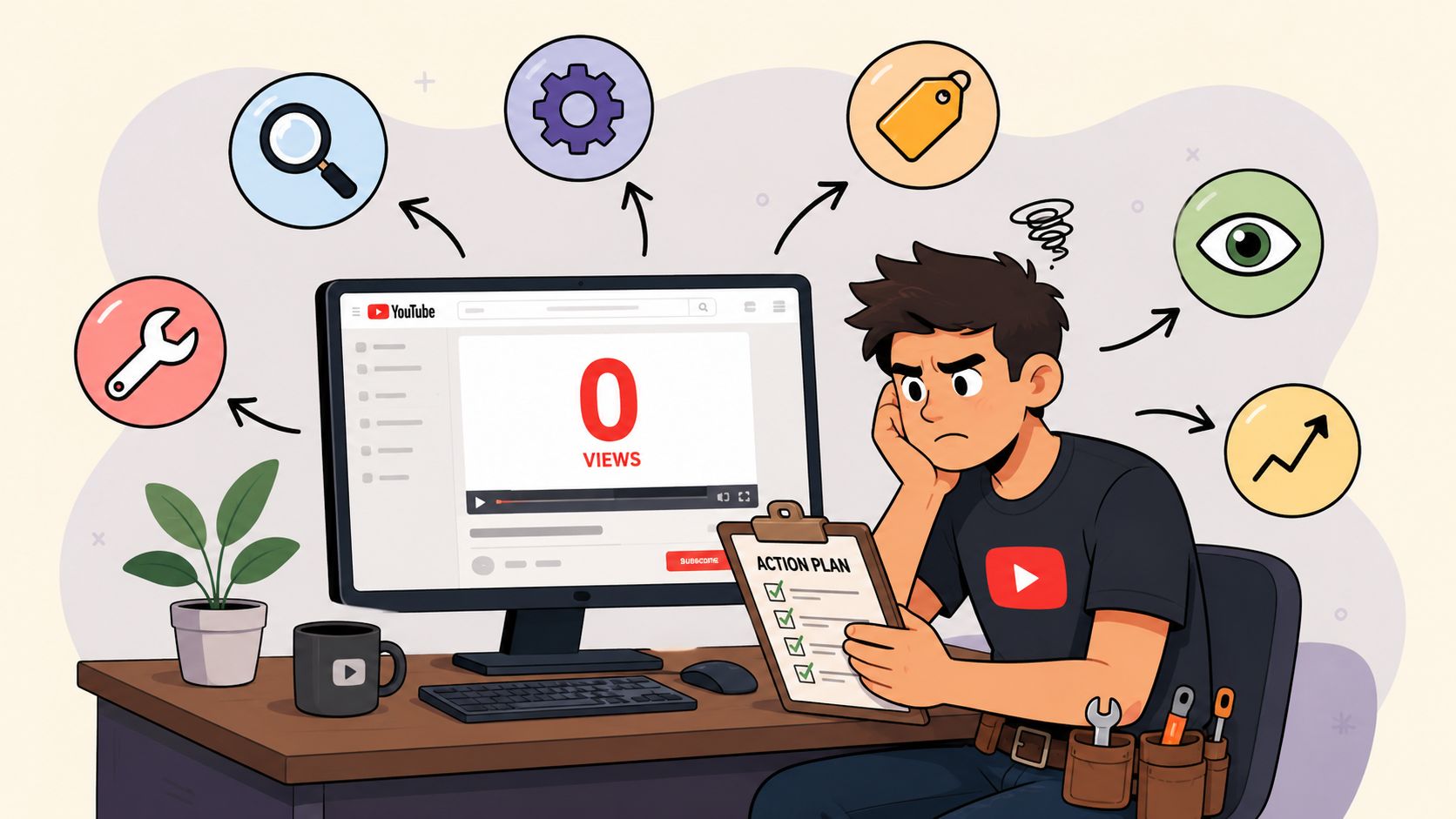
You open YouTube Studio, refresh twice, and the number still says 0. That kind of blank screen makes good creators do bad things, like panic-edit a thumbnail, rewrite a title six times, or assume the channel is dead.
Skip that reflex. No YouTube views is often a diagnosis problem, not a creative one. Sometimes YouTube is still counting views and the dashboard is lagging. Sometimes the video isn't eligible to travel. Sometimes the metadata is too vague for the system to know who it's for. And sometimes the package is fine, but the video never got enough initial distribution to prove itself.
What Zero Views Actually Means in YouTube
A creator can look at a fresh upload and feel like the platform has buried it alive. That reaction is understandable, but the number on the screen doesn't always mean what people think it means. YouTube's own Help Center defines a view as a legitimate play of a video, and it also says real-time analytics can temporarily show 0 views even while views are still being counted correctly in the background (YouTube view definition and analytics delay guidance).
That distinction matters because a lot of creators waste time optimizing a problem that is only a reporting delay. If the upload is brand new, check the number again later before you start ripping apart the title and thumbnail. A dashboard that says zero can be a delay, not a verdict.

A zero can be normal, delayed, or structural
The broader platform context is brutal. A 2022 analysis cited by IntoTheMinds reported that YouTube had about 10 billion uploaded videos, with a median of only 35 views per video, 68% of videos at zero views, 93% below 1,000 views, and only 3.67% above 10,000 views (IntoTheMinds YouTube stats analysis). That means a dead-looking upload is not some freak event. It sits inside the normal attention distribution of the platform.
So don't treat zero as proof that the video is bad. Treat it as a signal that one of three things is happening. First, analytics may be delayed. Second, the upload may not be eligible for distribution. Third, YouTube may not have enough information yet to push it into any audience test.
Practical rule: if the video is new, separate “reported zero” from “real zero” before you touch the creative.
I'd also keep one diagnostic principle in mind. A video can be ignored because it's invisible, not because it's unpopular. That's a very different problem, and it changes everything that comes next.
Check Eligibility and Visibility Before Anything Else
Start with the dumb checks first, because they're the ones that kill a video before any human ever gets a chance to click it. Open YouTube Studio and confirm the upload is set to Public, not Private or Unlisted. If it isn't public, there's nothing to diagnose about the thumbnail or title yet, because the video isn't in circulation.
Next, check channel status and account features in Studio. YouTube support guidance and creator materials repeatedly point to verification, feature eligibility, copyright, policy restrictions, reused content, and channel setup problems as reasons a video can fail to distribute at all (YouTube support on 0-views issues, YouTube creator guidance on verification and reused content). If one of those gates is closed, no thumbnail tweak is going to rescue the upload.

The fast order of operations
Use this sequence, not your gut.
- Visibility first. Confirm the video is Public.
- Channel status second. Look for feature limits, verification gaps, or account issues.
- Copyright and policy third. Check whether anything is blocking distribution.
- Reuse review fourth. If the upload is recycled, reuploaded, or too close to existing material, treat that as a distribution risk, not a style issue.
A lot of mainstream advice skips straight to “improve the title.” That's backwards. If the upload is blocked, restricted, or treated as low-trust, YouTube can suppress it before the packaging even enters the game.
One more thing. New channels often get treated with caution. That's not a moral judgment, it's a distribution reality. If your channel is new, don't overcomplicate the fix. Clear the eligibility issues first, then move to the creative side.
Read Impressions, CTR, and Retention as Separate Signals
Most creators say “the algorithm isn't pushing it” because they only look at the view count. That's lazy analysis. You need to split performance into impressions, click-through rate, and retention, because each one fails for a different reason. YouTube's own help guidance pushes creators to separate those stages instead of collapsing everything into one vague complaint about discovery (YouTube discussion on not getting views).
Open YouTube Studio and look at the funnel, not the headline. If impressions are low, the issue is discovery or eligibility. If impressions are present but CTR is weak, the issue is packaging. If clicks happen but viewers leave fast, the issue is the opening and body of the video.

What each stage tells you
Impressions tell you whether YouTube is showing the video at all. If that number is flat, stop blaming the thumbnail first. The problem is upstream.
CTR tells you whether people want the packaging. If the video is being shown and nobody clicks, the title and thumbnail are failing to earn attention.
Retention tells you whether the video delivers after the click. If the opening is slow or the promise doesn't match the content, viewers bounce and future distribution gets harder.
For a deeper framework on how these metrics fit together, the compare impressions and views breakdown is useful because it keeps the language precise instead of mixing up exposure with actual watch activity. I'd also keep a dedicated metric view open from ReachLabs.ai's content performance metrics guide if you want a cleaner way to think about the funnel.
If the video has no views, don't ask “what's wrong with the algorithm?” Ask which stage failed first.
That question cuts the problem down to size. It turns a fuzzy panic into a real diagnosis.
Rewrite Titles, Descriptions, and Tags for Discoverability
Once you know the video is eligible and the bottleneck is discovery, rewrite the metadata with one rule in mind, be specific enough for YouTube to classify the topic correctly. Vague packaging makes the system guess. Clear packaging gives it a target audience to test.
The title should lead with the searchable phrase, not with cleverness. A title like “I Tried This So You Don't Have To” tells the viewer almost nothing. A title like “YouTube Views Not Showing, Fix Visibility and Metadata First” tells both people and the system what the video is about.
Titles that help, titles that hide
Weak title, “Why Nothing Is Happening”. That could mean almost anything.
Better title, “No YouTube Views, Check Eligibility, Impressions, and CTR First”. Now the topic is legible.
Weak description, “In this video I talk about growth and stuff.” That doesn't help classification.
Better description, “This video shows how to diagnose zero YouTube views by checking visibility, eligibility, impressions, CTR, and retention before changing creative.” That mirrors the actual topic language.
Tags are not the main event. Use them to confirm the topic, not to rescue it. If your title and description are sharp, tags become supporting signals instead of your only clue.
Write for classification first, persuasion second. If YouTube can't tell what the upload is, it can't test it cleanly.
Don't stuff the metadata with unrelated trends, either. That creates noise, not reach. If the video is about zero views, the title, description, and tags should all point to the same narrow subject. That kind of alignment helps YouTube put the video in front of the right audience, which is the only audience that matters.
Design Thumbnails and Hooks That Earn the Click
If impressions are healthy and the views are still flat, stop blaming reach. The packaging is the problem. Thumbnail and opening hook work as one system, because the thumbnail gets the click and the first seconds decide whether that click turns into a real watch.
A good thumbnail reads at small size. That means one visual idea, not six. Use contrast, a clear face if the format supports it, and text that adds information instead of repeating the title. If the thumbnail says the same thing as the title, it's wasting space.

Build the click, then protect it
Do this:
- Use high contrast. The thumbnail has to pop in a feed, not disappear into it.
- Show a clear emotion or action. People click movement and intent.
- Keep text short. Three to five words is usually enough if the visual is doing its job.
- Match the promise. The hook should open on the same idea the thumbnail sold.
Skip this:
- Tiny text. Nobody is decoding a paragraph on a phone.
- Cluttered layouts. Too many objects kill focus.
- Clickbait mismatch. A hot thumbnail with a weak opening burns trust fast.
- No visual center. If the eye doesn't know where to land, the click gets diluted.
The opening 15 seconds matter because the viewer is deciding whether the promise was real. If the intro rambles, the retention curve collapses early and future distribution suffers. That's why I like to treat the hook as a continuation of the thumbnail, not a separate creative choice.
If you want a practical benchmark for video packaging discipline, the video marketing best practices guide is a useful reference point. The core idea is simple, make the first promise impossible to miss, then pay it off immediately.
Prioritize Fixes by Stage of Distribution Failure
Fix the problem in the order it appears in the funnel. Not the order that feels productive. Not the order that lets you “work on the creative” because that feels safer. The right sequence is eligibility, metadata, thumbnail, hook, then promotion.
If the upload is Private, stop. If the channel has a restriction or reuse problem, stop. If the title is too vague for YouTube to classify, rewrite it before touching the thumbnail. A pretty thumbnail on a blocked video is just decoration.
What to do first, second, and third
- Today: clear visibility and eligibility issues.
- This week: rewrite titles, descriptions, and tags so the topic is explicit.
- Next: rebuild the thumbnail and hook together, not separately.
- After that: review retention and tighten the opening if viewers drop too early.
- Only then: distribute the video more broadly.
That order matters because each stage assumes the previous one is healthy. Promotion cannot rescue a video YouTube hasn't classified. A better thumbnail cannot fix a private upload. And a stronger hook won't help if nobody is seeing the video in the first place.
The quickest mistake I see is creators trying everything at once. They change the title, swap the thumbnail, re-edit the intro, and blast the link everywhere. That usually makes the diagnosis harder, not easier. Change one stage, observe the effect, then move to the next.
Run a Real Distribution Plan Beyond YouTube Itself
Promotion matters, but only after the video can hold attention. If the upload is healthy enough to earn clicks and keep viewers, external distribution can amplify it. If it's not, promotion just sends more people to a weak page.
Use channels according to audience warmth. Short clips work for top-of-funnel reach. Community posts and email work for people who already know you. Collaborations bring borrowed trust. Embeds and search-friendly mentions help the video live beyond the YouTube feed. For a broader map of channel choices, the content distribution channels guide is a solid reference.
A simple 14-day sequence
Days 1 to 3, publish the video and share one short clip or teaser cut. Keep it native to the platform you're using.
Days 4 to 7, send it to your warmest audience first. That means subscribers, email readers, or a community that already understands your niche.
Days 8 to 10, ask for a collaboration share or a mention from a partner who serves the same viewer type.
Days 11 to 14, embed it where it naturally fits, such as a blog post, resource page, or relevant article roundup.
Avoid link-dumping in random groups. Avoid paid promotion for a video that hasn't proven retention. And don't promote a video before the packaging and opening are fixed, because you'll just learn the wrong lesson from the wrong audience.
The smart move is sequencing, not spamming. A good distribution plan compounds because each touchpoint feeds the next one. A bad one just burns attention.
If you want a sharper way to diagnose no YouTube views without guessing, ReachLabs.ai can help you turn messy channel data into a clear plan of attack. Visit ReachLabs.ai if you want support building better video strategy, stronger distribution, and cleaner performance analysis for the content you're already making.