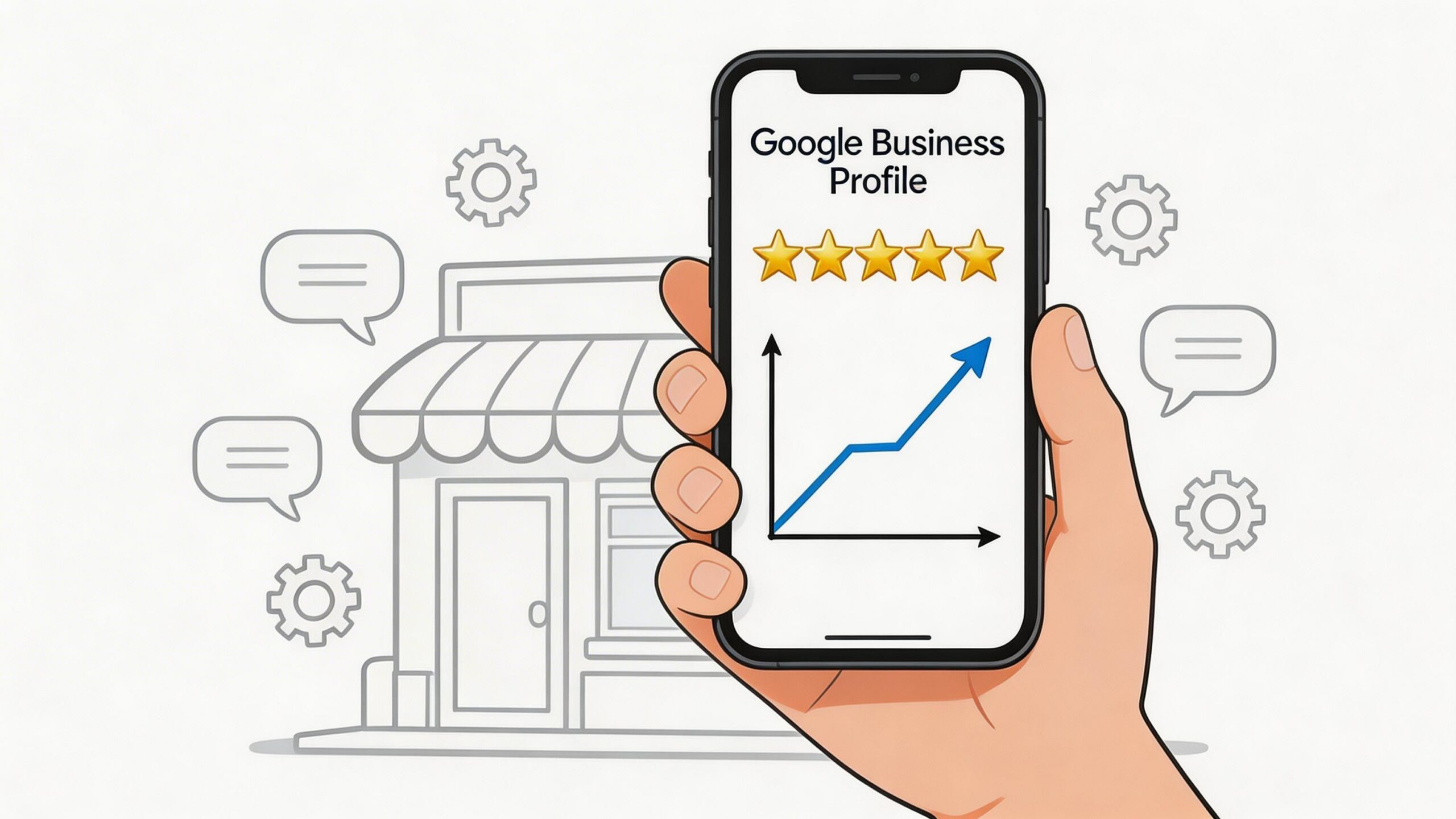
Businesses in Google's local 3-Pack get 126% more consumer traffic and 93% more conversion-oriented actions than businesses sitting in positions 4 through 10, according to SOCi's review analysis. That single gap reframes the whole conversation.
Most businesses still treat reviews like a reputation task. Ask once in a while. Hope happy customers remember. Reply when someone complains. That approach leaves too much to chance.
If you want to get more google reviews, you need a system. Not a poster at the counter. Not a generic email blast. Not a one-time push after a slow month. The businesses that keep winning in local search usually have a repeatable process for when they ask, how they ask, who follows up, what gets automated, and how every review gets handled after it lands.
That matters because reviews don't just influence trust. They shape visibility, click behavior, and the quality of traffic coming from Google Maps. If your profile is weak, your website and ads have to work harder. If your profile is strong, Google and your customers both do more of the lifting for you.
The playbook below is the one serious operators use. It focuses on setup, request design, automation, response management, and scale.
Why Google Reviews Are Your Most Powerful Marketing Asset
Google reviews sit at the intersection of search visibility, trust, and conversion. That's why they're more valuable than most businesses realize.
A strong review profile helps you in two places at once. First, it improves how your business appears inside Google Maps and local results. Second, it changes what a buyer thinks the moment they see your name, rating, and review count side by side with competitors.
The mistake is treating reviews as passive social proof. They're not passive. They're a compounding asset.
If you're trying to rank better in local search, reviews support the exact signals Google cares about for local prominence. If you're trying to drive more leads, reviews reduce hesitation before the click. And if you're trying to lower acquisition cost, a well-managed profile helps convert demand you already created elsewhere.
Reviews change the economics of local marketing
A weak profile forces the rest of your marketing stack to compensate.
Your paid campaigns have to spend more to get the same lead. Your sales team has to overcome more skepticism. Your website has to answer trust questions that should've been settled before the visitor arrived.
A strong profile does the opposite. It pre-sells.
Practical rule: If local discovery matters to your business, review generation belongs in operations, not just marketing.
That means assigning ownership, building process, and measuring output. The teams that improve fastest don't wait for reviews to happen naturally. They engineer the customer moments that make reviews more likely.
Visibility is the first payoff
The local 3-Pack is prime real estate. That's where intent is high and comparison is immediate. If your business depends on nearby customers, your review profile has direct strategic value.
For businesses working on local visibility alongside review growth, this guide on how to rank in Google Maps is the right companion framework.
Reviews aren't the only factor in local rankings, but they're one of the few assets that improve both discovery and persuasion at the same time. Very few marketing activities do that.
Laying the Foundation for Review Success
Before you ask for a single review, fix the profile.
Most businesses try to get more google reviews while their Google Business Profile is half-finished, inconsistent, or unconvincing. That lowers response rates and wastes every request you send.
Your profile needs to look active, complete, and trustworthy the moment someone lands on it.

Complete the parts most businesses ignore
The basics matter. So do the neglected fields.
Use this checklist before you scale outreach:
- Business name consistency: Make sure your real-world business name matches your signage, website, and profile. Don't stuff keywords into the name field.
- Primary and secondary categories: Pick the closest primary category to your core service. Then use secondary categories to reflect adjacent services.
- Accurate service areas or address: Don't create confusion around where you serve customers.
- Hours and special hours: Update holiday changes, temporary closures, and seasonal shifts fast.
- Phone and website routing: Send users to the best destination for action, not just your homepage if a location page or booking page is stronger.
Profiles lose trust when small details are off. People notice outdated hours, broken links, and mismatched service descriptions faster than owners think.
Write for humans first, search second
Your business description shouldn't sound like a keyword dump.
Write it like a concise sales pitch. Explain what you do, who you help, and what makes your service worth choosing. Natural service language is enough. If your profile reads like spam, customers feel it.
The same rule applies to services and products inside the profile. Add them clearly. Use plain language. Help a first-time buyer understand what you offer.
A practical way to test this is simple: if a customer screenshot your profile and sent it to a friend, would that friend understand what you sell in a few seconds?
Build proof into the profile itself
Reviews perform better when the rest of the profile supports them.
That means adding:
- Real photos: Exterior, interior, staff, completed work, product close-ups, and team-at-work images.
- Fresh updates: New photos and posts signal that the business is active.
- Questions and answers: Seed common questions with useful answers so customers don't need to guess.
- Service detail: Clarify process, booking requirements, availability, and what happens next.
A review request converts better when the customer lands on a profile that already feels alive.
Use Q&A and photos like sales assets
Q&A is underused. Most businesses leave it empty until a customer asks something publicly that should've been answered months earlier.
Add practical questions buyers have. Cover timing, parking, booking, pricing approach, service range, and what differentiates your process. Keep the tone straightforward.
Photos deserve the same discipline. Don't upload ten nearly identical logo shots. Show the business in motion. Show your team. Show outcomes. Show context. A service business should look professional and approachable. A restaurant should look current and clean. A clinic should look organized and reassuring.
A fast audit table
| Profile element | What good looks like | Common failure |
|---|---|---|
| Description | Clear, specific, customer-friendly | Keyword stuffing |
| Categories | Tight match to core services | Too broad or outdated |
| Photos | Recent, varied, real | Sparse or generic |
| Q&A | Proactive and useful | Empty or neglected |
| Hours and contact info | Current and verified | Inconsistent details |
A polished Google Business Profile doesn't create reviews by itself. It raises the yield on every request you send after that.
Crafting the Perfect Review Request
The ask matters more than most operators admit.
A lot of review campaigns underperform for one reason. The request feels lazy. It's generic, badly timed, or sent through the wrong channel. Customers may like the business and still ignore it because the moment passed or the message added friction.
The strongest requests are short, personal, and sent close to customer satisfaction.

Email requests produce a 15% response rate, SMS requests produce 20%, and combining both channels lifts the aggregate response rate to 26%, based on Backlinko's review request data. That doesn't mean you blast everyone twice without judgment. It means channel sequence matters.
Ask at the point of maximum satisfaction
Good timing beats clever copy.
For a home service company, the best moment is often right after the work is completed and the customer has seen the result. For a med spa, it may be after a smooth visit and positive front-desk interaction. For a B2B service firm, it may be after a deliverable lands cleanly or a client gives verbal praise on a call.
Poor timing usually looks like this:
- Too early: The customer hasn't experienced the outcome yet.
- Too late: The emotional momentum is gone.
- Too busy: You sent the request during a stressful or inconvenient part of their day.
Send the request when the customer is most likely to say, "That went well."
In-person requests work when they feel natural
A verbal ask still matters. It works best when the team sounds confident and doesn't over-explain.
Try language like this:
- At checkout: "If today went well, we'd really appreciate a quick Google review."
- After service completion: "If you're happy with the result, I'll text you the review link so it's easy."
- At handoff: "A review helps other customers know what to expect from us."
QR codes can support the ask, but they shouldn't replace it. Most low-performing setups rely on signage alone. Better setups pair staff training with a direct path to the review link.
Copy that gets used
The best templates sound human. They don't beg, over-sell, or pressure people for a five-star outcome.
SMS templates
Service completed
Hi [First Name], thanks for choosing [Business Name] today. If you'd be open to it, we'd appreciate an honest Google review about your experience: [Review Link]
Repeat customer
Hi [First Name], we always appreciate working with you. If you have a minute, we'd love your honest feedback on Google: [Review Link]
High-touch professional service
Thanks again for trusting [Business Name]. Your feedback helps future clients feel confident choosing us. If you'd like to leave a Google review, here's the direct link: [Review Link]
Email templates
Subject: Quick favor about your recent visit
Hi [First Name],
Thanks again for choosing [Business Name]. If you have a minute, we'd really appreciate an honest Google review. It helps other customers understand what it's like to work with us.
Leave a review here: [Review Link]
Thanks,
[Team Member Name]
Subject: Thanks for visiting [Business Name]
Hi [First Name],
We appreciate your business. If your experience was a good one, we'd be grateful if you shared your feedback on Google.
[Review Link]
Thank you,
[Business Name]
A short walkthrough helps if your audience isn't tech-comfortable. For some businesses, adding "It only takes a minute" can reduce friction. For others, it sounds canned. Know your customer.
Here's a useful visual breakdown of how businesses structure review asks and follow-ups in practice:
Personalization should be light, not theatrical
Personalization helps when it reflects a real interaction.
Use the customer's first name. Reference the service they received if that adds clarity. Mention the team member when the relationship is personal. Then stop. Over-personalized messages can feel automated in the worst way.
What doesn't work
A few patterns repeatedly fail:
| Approach | Why it underperforms |
|---|---|
| Long review request emails | Too much reading for a low-commitment action |
| Asking everyone the same way | Ignores customer context |
| Requests with multiple links | Creates choice friction |
| Messages asking for a "5-star review" | Feels manipulative and creates compliance risk |
If your team is saying, "Leave us a five-star review," change that script immediately. Ask for an honest review. It performs better over time because it's sustainable and credible.
Building Your Automated Review Generation Engine
Manual outreach breaks as soon as volume increases.
It works for an owner-operator with a small client list. It doesn't work for a multi-location business, a busy clinic, a legal practice, a med spa, or any service team that needs consistency across staff and time. If you want to get more google reviews every month, you need automation tied to customer activity.
That's where a real engine matters.
The workflow starts with operational triggers
The best automations don't begin inside the marketing department. They begin where customer satisfaction becomes visible.
Common trigger points include:
- Point-of-sale completion
- Appointment marked complete in scheduling software
- Delivery confirmation
- Closed-won stage in the CRM
- Support ticket resolved
- Project milestone approved
Pick the moment that best represents completed value, not just transaction closure. That distinction matters. A request sent after payment but before the customer sees the outcome often underperforms.

Use simple logic before fancy logic
Teams overcomplicate automation at the start.
You don't need an elaborate system on day one. You need a dependable one. A solid baseline workflow looks like this:
- Customer record gets updated after service completion.
- System checks whether contact permission exists for SMS, email, or both.
- First review request goes out through the preferred channel.
- If no response is logged, a follow-up goes out later.
- Reviews and non-responses get tracked in one dashboard.
That framework can run inside many common stacks, including a CRM, scheduling platform, POS-connected tool, or dedicated review management platform.
Use satisfaction signals carefully
A practical system can use a satisfaction checkpoint before routing people toward a public review request.
That might be a short post-service survey, a thumbs-up confirmation, or a simple internal quality check. The operational goal is clear: identify who had a strong experience and who needs service recovery first.
Teams often create compliance problems in this area. They build "review gating" flows that solicit public reviews only from happy customers while pushing unhappy customers into a private channel in a way that manipulates public feedback. That's the wrong design.
A better approach is to use internal feedback for service recovery and quality control, while still keeping your public review requests framed around honest feedback, not engineered positivity. The workflow should help you handle issues faster, not distort the record.
Automation tools should fit your stack
If you're building these systems for a small or mid-sized business, the best tool is often the one your team will use consistently.
Look for platforms that support:
- CRM triggers
- SMS and email sequencing
- Permission management
- Location-level routing
- Team access controls
- Simple reporting
If you're mapping out broader systems at the same time, this piece on marketing automation for small business is a useful companion because the review workflow should fit inside your wider customer communication process, not sit off to the side.
For a more specific workflow architecture, this breakdown of marketing automation workflows is useful when…reachlabs.ai/marketing-automation-workflows/) is useful when you're connecting lead capture, customer follow-up, and reputation management into one operating system.
Operator note: The best automation doesn't feel automated to the customer. It feels timely.
Build for consistency across locations and teams
If you're running several locations, don't let each branch improvise.
Standardize the trigger, the approved templates, the follow-up cadence, and the routing logic. Then give local managers enough flexibility to personalize responses and monitor quality. Central control with local execution usually wins.
The review engine should also protect you from bad behavior. No bulk spikes. No awkward incentive campaigns. No pressure language. No copy that sounds robotic.
A scalable system is one your team can run every week without heroic effort.
Managing and Leveraging Every Review You Get
Most businesses focus hard on getting the review and almost no time on what happens next.
That leaves value on the table. Every review is both a customer signal and a marketing asset. The review itself matters. Your response matters too. Future customers read both.
Prompted reviews average 4.34 stars compared with 3.89 stars for unprompted reviews, and Google also emphasizes the value of authentic, balanced profiles rather than artificially perfect ones, as reflected in Google's business review guidance. That's the trade-off smart teams understand. You want more reviews, but you also want a profile that looks credible.
A profile with some friction can still win trust
Businesses often panic when they receive a negative review. That's understandable. It's also usually counterproductive.
A profile with only glowing, repetitive praise can feel suspicious. A profile with a mix of positive and critical feedback, handled professionally, often feels more believable. What matters is whether the business responds like a serious operator.

Response frameworks that don't sound scripted
A good response should match the review type.
For positive reviews
Keep it warm and specific.
Template:
Thank you, [First Name]. We appreciate you taking the time to share your experience. It was a pleasure helping with [service or context], and we're glad the visit went smoothly.
For mixed or neutral reviews
Acknowledge the good, address the issue, and show attention.
Template:
Thanks for the feedback, [First Name]. We're glad you highlighted [positive element]. We also appreciate the note about [issue]. We're reviewing that internally so we can improve the experience moving forward.
For negative reviews
Stay calm. Don't argue in public. Don't imply the customer is lying unless there's a serious policy issue and you plan to report the review.
Template:
We're sorry to hear this was your experience. This isn't the standard we aim for. We'd like to understand what happened and make sure the concern reaches the right person on our team. Please contact us at [contact method] so we can look into it directly.
That structure works because it signals professionalism to everyone else reading.
If your team needs additional examples for how to respond to negative feedback, that resource is useful because it focuses on tone control instead of canned damage control.
Mine reviews for operational insight
The review isn't just a rating. It's unstructured customer research.
Look for recurring phrases around:
- Front-desk or staff behavior
- Wait times or scheduling issues
- Confusion about pricing or scope
- Quality consistency
- Communication gaps
- Unexpected delights customers mention without prompting
These patterns should go back to operations, customer experience, and content. If customers repeatedly praise one service attribute, highlight it in your website copy and sales scripts. If they repeatedly complain about the same issue, fix the process before asking for more reviews at scale.
Keep the process compliant
A sustainable review strategy has to survive scrutiny.
Avoid these mistakes:
- Don't ask for only positive reviews
- Don't offer rewards specifically for favorable ratings
- Don't pressure staff to create unnatural spikes
- Don't use fake accounts, family accounts, or vendor shortcuts
- Don't suppress criticism through filtering designed to distort public sentiment
A compliant system asks for honest feedback, gives customers a simple path, and responds to what comes back.
For businesses that need a stronger operating process around this, a structured approach to review management services helps formalize ownership, escalation, and response quality.
Reviews are public evidence of how a business behaves after the sale. That's why your response process matters as much as your request process.
Measuring Success and Scaling Your Strategy
You can't scale what you don't measure.
A lot of review programs feel busy but aren't disciplined. Requests are going out. Reviews are trickling in. Nobody knows which location is improving, which message works best, or whether growth is happening at a healthy pace.
The first metric to care about is review velocity, meaning the steady pace at which new reviews come in over time. That's more useful operationally than obsessing over one-off bursts.
The first milestone matters more than people think
For newer or low-review profiles, one threshold stands out. Reaching 10 Google reviews is often treated as the "magic number" because it can trigger a noticeable ranking improvement in local Maps results, according to Sterling Sky's analysis of review count and local ranking.
That doesn't mean you stop at ten. It means ten is the point where a business moves from "barely any social proof" to "credible enough to compete."
If a location has fewer than ten reviews, make that the immediate objective. Don't get distracted by advanced tactics before you clear the basic threshold.
What to track every week
A strong review dashboard doesn't need to be complicated. It does need to answer real management questions.
Track these consistently:
| KPI | Why it matters | What to look for |
|---|---|---|
| New reviews by location | Shows output consistency | Which locations are producing reviews steadily |
| Review velocity trend | Reveals momentum or stagnation | Whether growth is smooth or erratic |
| Average rating trend | Highlights quality shifts | Sudden drops that signal service issues |
| Response coverage | Shows whether management is engaged | Reviews sitting too long without reply |
| Review themes | Surfaces operational patterns | Repeated praise or complaints |
If you run multiple locations, compare branches against their own history first. Then compare them against one another. The goal isn't punishment. It's pattern recognition.
Why steady growth beats sudden spikes
Large bursts after long silence can create problems.
They look suspicious to customers, and they can also create platform risk if the pattern appears unnatural. A safer system produces ongoing activity tied to real customer flow. That's why automation and team process matter so much. They help generate a consistent stream rather than desperate campaigns.
Healthy review growth looks like part of normal business operations, because it is.
A scaling model for multi-location brands
Once the process works in one location, replicate the operating system, not just the message template.
Standardize these elements:
- Trigger definitions: What event starts the workflow
- Approved copy library: SMS, email, and response templates
- Escalation rules: Who handles negative feedback and when
- Dashboard ownership: Who checks metrics weekly
- Quality checks: How you audit compliance and tone
Then localize what should be local. Staff names, service context, and response voice can vary. Core workflow shouldn't.
How to know the system is working
The system is working when review generation becomes predictable.
Not perfect. Predictable.
You should be able to answer questions like:
- Are we asking at the right moment?
- Which channel sequence gets the best completion?
- Which locations need coaching?
- Are negative themes tied to a real operational issue?
- Is review growth staying steady without awkward spikes?
When the answer to those questions comes from your process, not your gut, you have something you can scale.
If you want help building a review system that runs across locations, teams, and channels, ReachLabs.ai can help design the workflow,…ai](https://www.reachlabs.ai) can help design the workflow, automation, and reputation management process around your business model.